
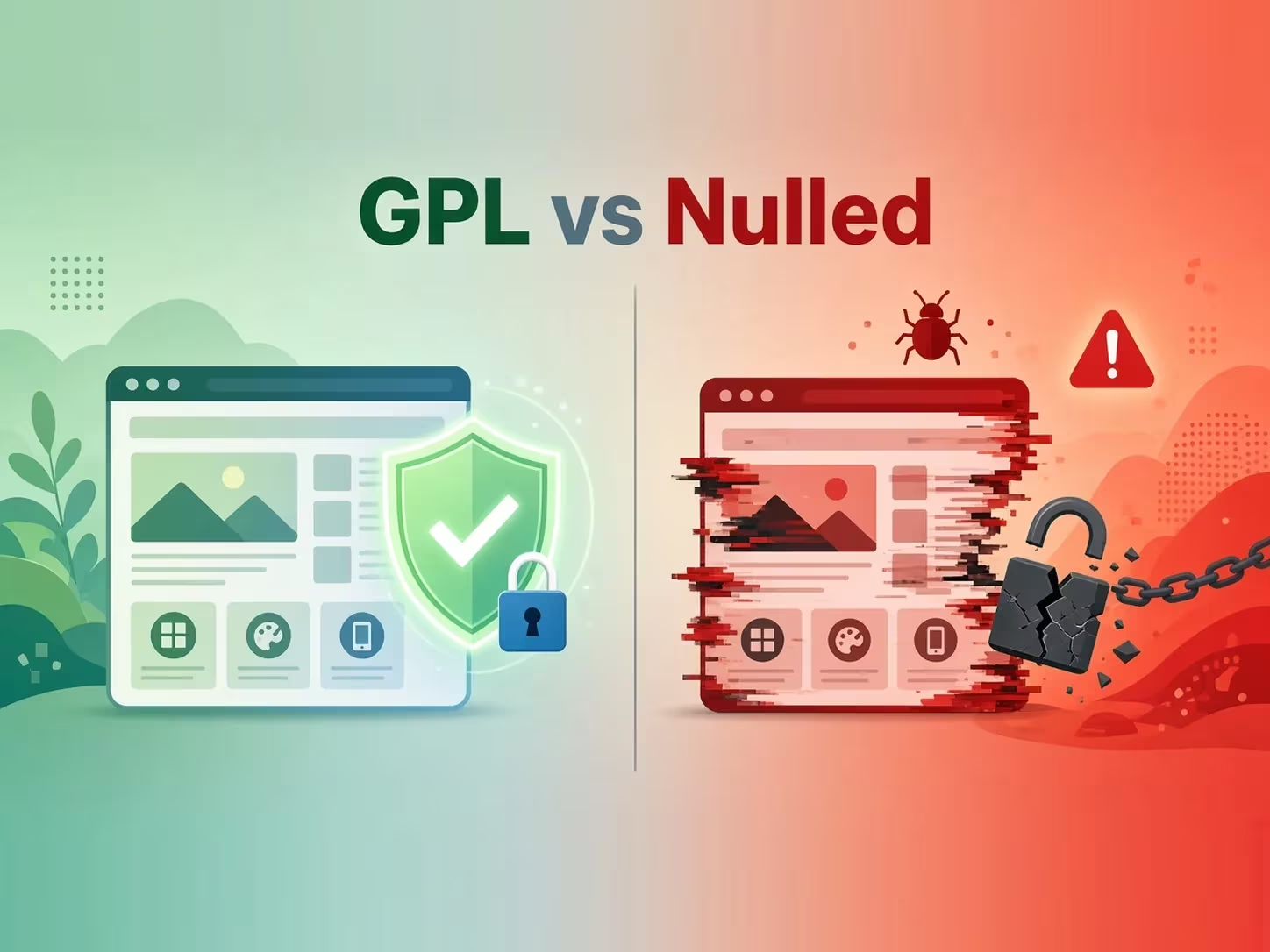
If you build WordPress sites on a budget, you have probably seen two words used side by side: GPL and nulled. Many people think they mean the same thing. They do not. In this guide on GPL vs nulled themes, we explain what each term really means, why the difference matters for your site’s security, and how to stay safe when you use premium themes and plugins without paying full price.
What Is the GPL and Why Does It Apply to WordPress?
WordPress itself is released under the GNU General Public License, version 2 or later. This is a free software license. It gives every user four basic freedoms: to run the software, study it, change it, and share it, including changed copies.
The WordPress license page explains this in plain words. It also states the project’s view that themes and plugins built on WordPress inherit the GPL, because they run inside WordPress and use its code.
As a result, most premium theme and plugin makers release their PHP code under the GPL. ThemeForest authors, plugin shops and big theme companies all follow this model. They do not sell you the code itself. Instead, they sell extras around it.
What You Actually Pay for With a Premium License
- Automatic updates delivered from the developer’s server.
- Official support from the team that wrote the product.
- License-locked services, such as cloud libraries, demo imports or extra add-ons.
- Peace of mind, because the files come straight from the source.
Because the code is GPL, anyone who receives it may legally share it again. That is why GPL redistribution sites exist. However, there is one important limit. Images, fonts, some JavaScript files and brand names can carry separate licenses. So the GPL covers the code, but not always every asset bundled with it.
What Are Nulled Themes and Plugins?
A nulled theme or plugin is a premium product that someone has modified to remove or bypass its license check. The word “nulled” comes from “nullifying” that protection.
At first glance, this sounds similar to GPL sharing. After all, the code is open. The key difference is who changed the files and why. A clean GPL copy is the original developer’s code, left as it was. A nulled copy has been edited by an unknown person. You cannot easily see what else they added.
Researchers have studied this closely. In the large-scale USENIX Security study “Mistrust Plugins You Must”, the authors found that nulled plugins, more often than not, introduced malicious code onto web servers. In other words, the risk is not a rare edge case, and it is the main reason the GPL vs nulled themes question matters so much.
GPL vs Nulled Themes: The Key Differences
Here is the difference in simple terms:
- Source of the files: A clean GPL copy should match the developer’s original package. A nulled copy has been altered by a third party.
- Legal status of the code: Sharing GPL code is allowed by the license. Cracking license systems and bundling non-GPL assets is a different matter.
- Hidden code: GPL copies should contain nothing extra. Nulled copies often hide backdoors, spam links or redirects.
- Trust: With GPL, you trust the developer and the distributor. With nulled files, you trust an anonymous cracker.
So the label alone does not make a file safe. A site can call a download “GPL” and still serve a tampered file. That is why checking matters more than the name when you weigh GPL vs nulled themes.
GPL vs Nulled Themes: What Can Go Wrong With Tampered Files?
Malicious code in themes and plugins is usually quiet. It does not announce itself. Instead, it waits.
For example, in September 2025 the Wordfence Threat Intelligence Team described a campaign in their report “The Price of ‘Free'”. The malware was found inside outdated, tampered copies of popular premium plugins. It hooked into WordPress on every page load and stayed dormant until a special URL triggered it. Once triggered, it could disable the Wordfence security plugin by renaming its folder. In short, the site owner’s own defenses were switched off.
Common problems caused by infected files include:
- Hidden admin accounts that give attackers a way back in.
- SEO spam links injected into your pages, which can hurt rankings.
- Redirects that send your visitors to scam websites.
- Stolen data, such as user emails or form entries.
- Your hosting account being suspended for sending spam.
GPL vs Nulled Themes: How to Use GPL Themes Safely
The good news is that you can lower the risk a lot with a few simple habits. Follow these steps every time you install a premium theme or plugin from any source, no matter where you stand on GPL vs nulled themes.
1. Back Up Before You Install Anything
First, make a full backup of your files and database. If something goes wrong, you can restore your site in minutes. A tool like UpdraftPlus Premium makes scheduled and on-demand backups easy, and it can store copies in the cloud.
2. Scan the ZIP File First
Next, upload the ZIP to an online multi-engine scanner such as VirusTotal before you install it. Antivirus engines will not catch everything. Still, a quick scan can flag known threats in seconds.
3. Test on a Staging Site
Then, install the theme on a staging or local copy of your site, not on your live store. Run a security plugin scan after activation. Also check for new admin users and unexpected outgoing requests.
4. Look for Warning Signs in the Code
If you are comfortable with code, search the files for long encoded strings, eval(, base64_decode( or unfamiliar remote URLs. These do not always mean malware. However, they deserve a closer look.
5. Keep Everything Updated
Finally, old versions carry known security holes. Always use the latest version of a theme or plugin, and keep WordPress core updated too. Outdated copies were exactly what the Wordfence report found on the infected site.
When Should You Buy the Official License?
GPL copies are useful. They let you test a theme, build a demo, or learn a plugin before you commit. Yet for a serious business site, buying the license is often the smart choice. You get instant updates, direct support and access to license-only features. In addition, you support the developers who keep the product alive, which is a side of GPL vs nulled themes that is easy to forget.
A practical approach is simple. Try the product first, and buy the license once the site goes live or starts earning money.
Popular Premium Themes and Plugins to Try
If you want to explore well-known premium products, you can start with these downloads on our site. As always, scan and back up first.
- Betheme: a multipurpose WordPress and WooCommerce theme with hundreds of pre-built websites.
- The7: a flexible theme that works smoothly with Elementor and WPBakery.
- UpdraftPlus Premium: backup, restore and migration for any WordPress site.
You can also browse our full collection of GPL themes and plugins for more options.
Frequently Asked Questions
Is using GPL WordPress themes legal?
The GPL allows anyone to use, modify and redistribute GPL-licensed code. However, bundled assets like images, fonts or brand names may have separate licenses. In addition, GPL files do not include the developer’s official support or updates.
Are all nulled themes infected with malware?
Not every file is infected. Even so, research such as the USENIX study shows that tampered plugins very often contain malicious code. Since you cannot easily tell which ones are clean, treat every modified file as risky.
Can a security plugin protect me from a bad theme?
It helps, but it is not a guarantee. As the Wordfence report showed, some malware is built to switch security plugins off. Prevention, through scanning, staging and backups, works better than cleanup.
Will a GPL theme get automatic updates?
Usually not from the developer, because automatic updates need a valid license key. You will need to install new versions manually when they are released.
Final Thoughts
To sum up, the debate over GPL vs nulled themes comes down to one question: has the code been changed by someone you cannot trust? GPL is a legal license that keeps WordPress open. Nulled files, on the other hand, are cracked copies that often hide dangerous code. Back up your site, scan every file, test on staging, and buy the official license when your project depends on it. That way, you get the benefits of premium tools while keeping your website safe.

1 Comment. Leave new
[…] is real, especially with files from unknown sources. If you are new to this topic, our guide on GPL vs nulled themes explains why a “GPL” label alone does not prove a file is […]