
Latest Blogs

WordPress Black Friday Deals 2026: What to Expect and How to Save
Get ready for WordPress Black Friday deals 2026. See key dates, early announced offers and smart tips to save on themes, plugins and hosting without fake discounts.
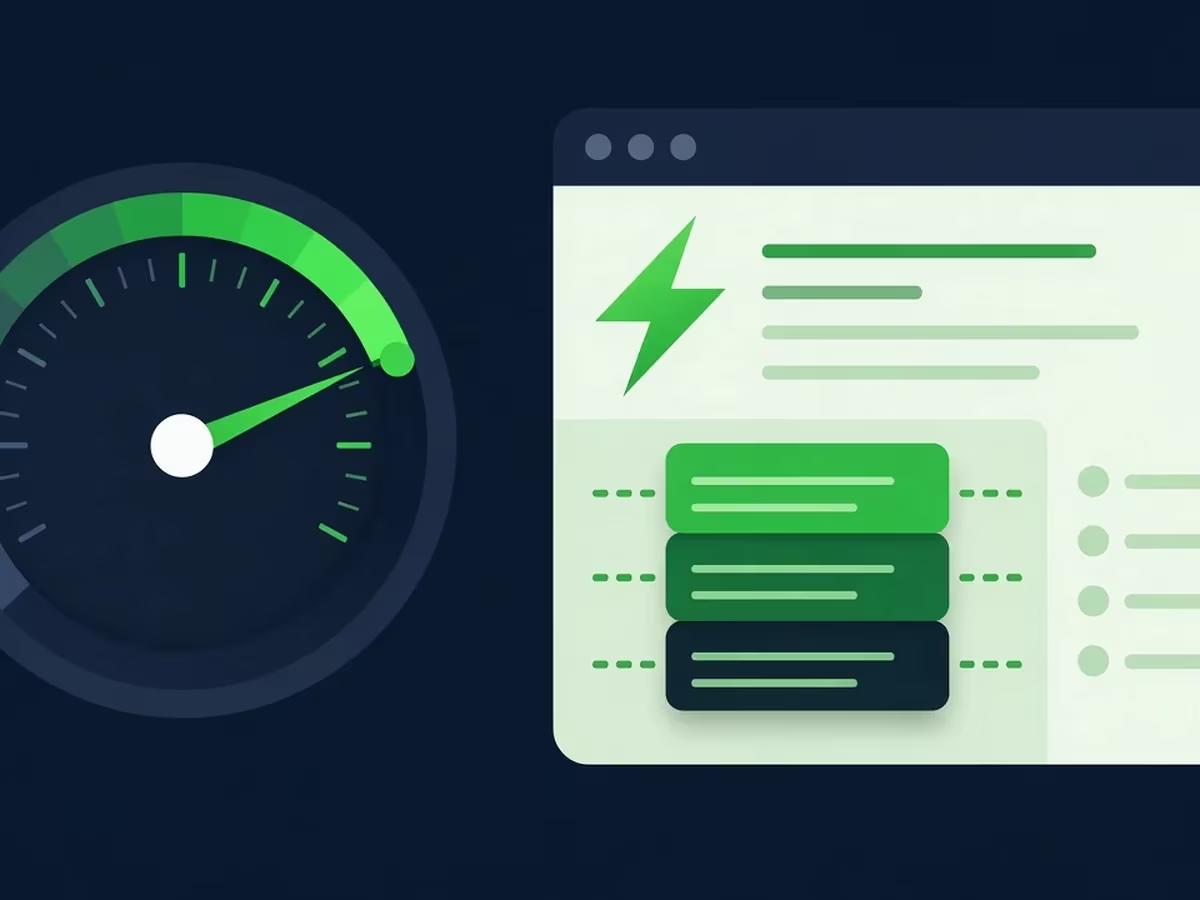
LiteSpeed Cache Settings for Elementor Sites (Speed + Core Web Vitals)
Use the right LiteSpeed Cache settings for Elementor. Apply LiteSpeed’s recommended Elementor options, then optimize CSS, JavaScript and images safely for better Core Web Vitals.

WooCommerce 11.2: New Features Every Store Owner Should Know
Discover the WooCommerce 11.2 new features: GTIN-based CSV imports, checkout date fields, configurable withdrawal emails, sticky filters, faster admin screens and important security fixes for every store.

WordPress 7.2 Preview: Release Date, Planned Features and the New Ipsum Theme
WordPress 7.2 is scheduled for December 8, 2026. Preview the planned features, the full release schedule, the new Ipsum default theme and how to prepare your site.
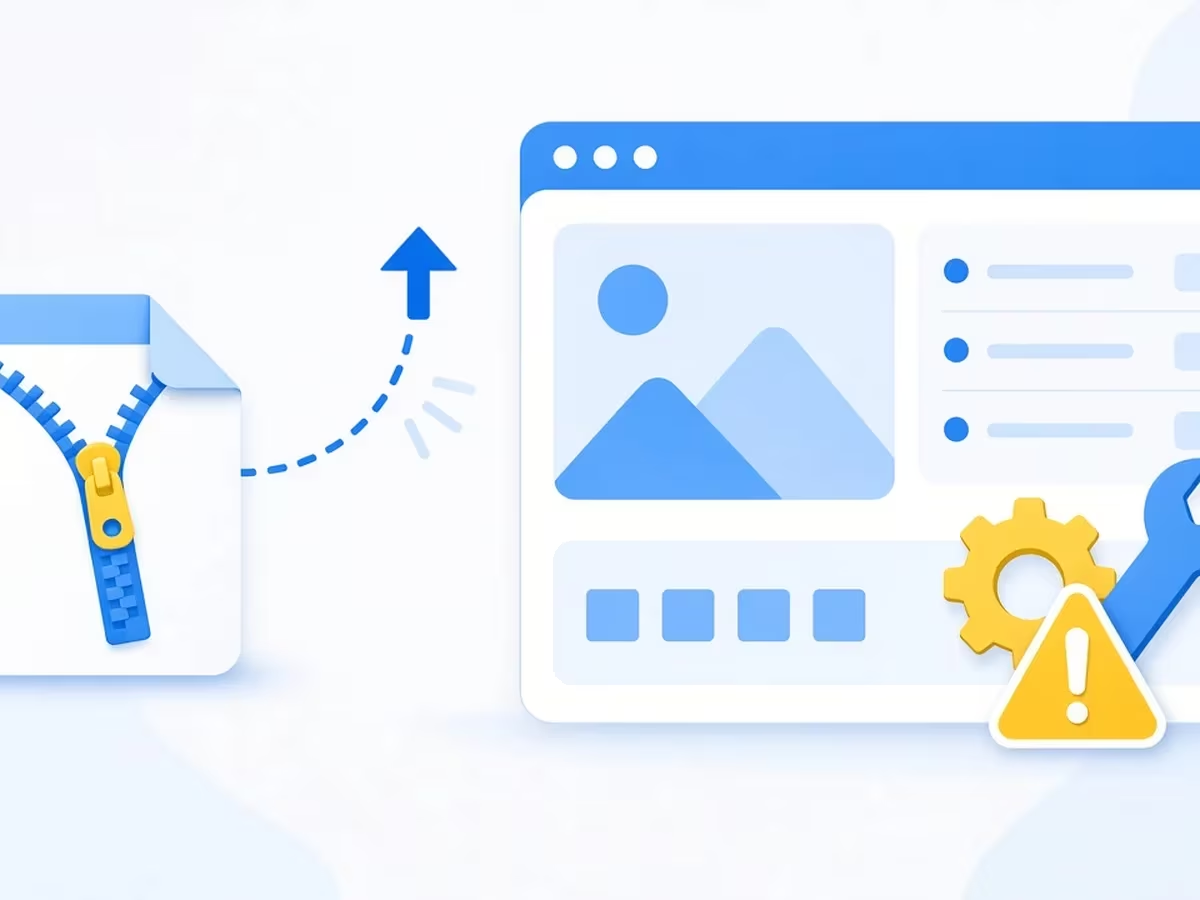
How to Install a Premium WordPress Theme from a ZIP File (+ Fix Common Errors)
Learn how to install a WordPress theme from a ZIP file using the dashboard, FTP or WP-CLI, and fix common errors like missing style.css and the link has expired.

How to Migrate a WordPress Site to a New Host with UpdraftPlus
Learn how to migrate a WordPress site with UpdraftPlus to a new host. Create a key, send your backup, restore it with URL replacement and follow our post-migration checklist.

WordPress MCP Adapter: Connect ChatGPT or Claude to Your WordPress Site
Learn how the official WordPress MCP Adapter connects AI assistants like Claude, Cursor and VS Code to your site, with Application Passwords and safe, step-by-step setup.

WordPress 7.0 AI Features: How to Use Connectors and the AI Plugin
Learn how the WordPress 7.0 AI features work. Set up the Connectors screen and the AI plugin to generate titles, excerpts, alt text and images safely on your site.

Elementor 4.0 Atomic Editor Explained: Should You Enable It?
Elementor 4.0 made the Atomic Editor default on new sites. Learn what Atomic Elements, Classes and Variables do, how to enable it, and whether your site should switch.